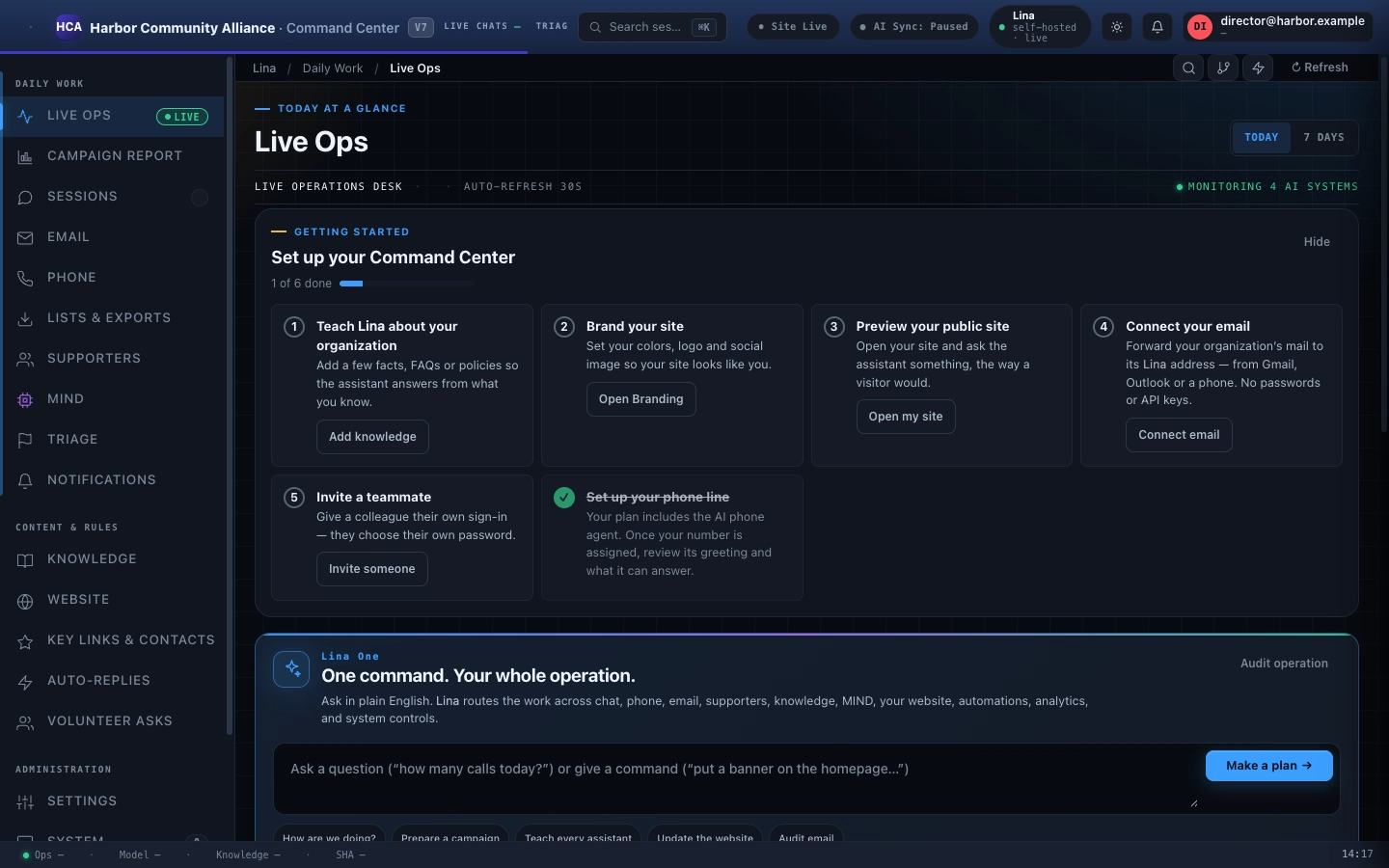
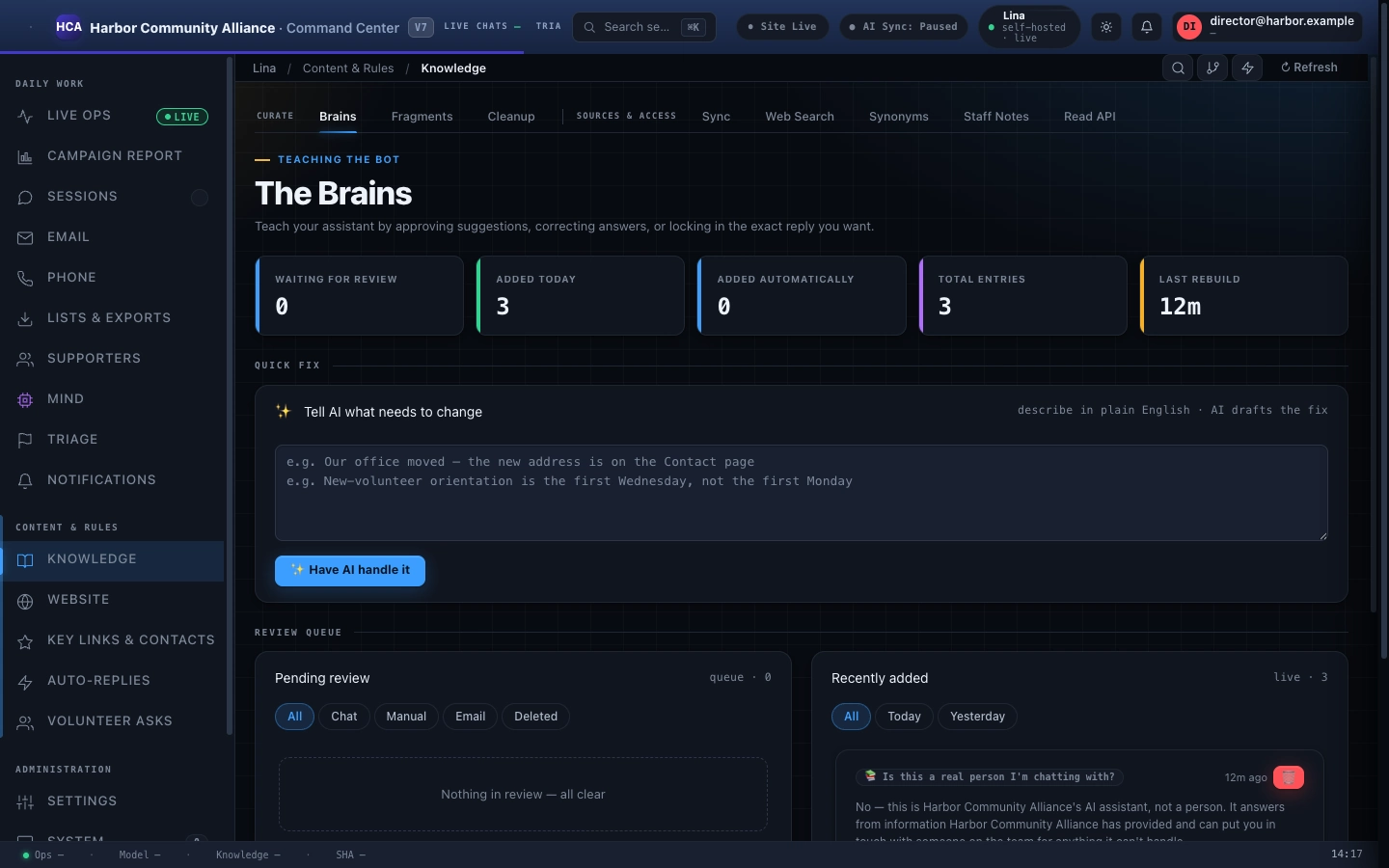
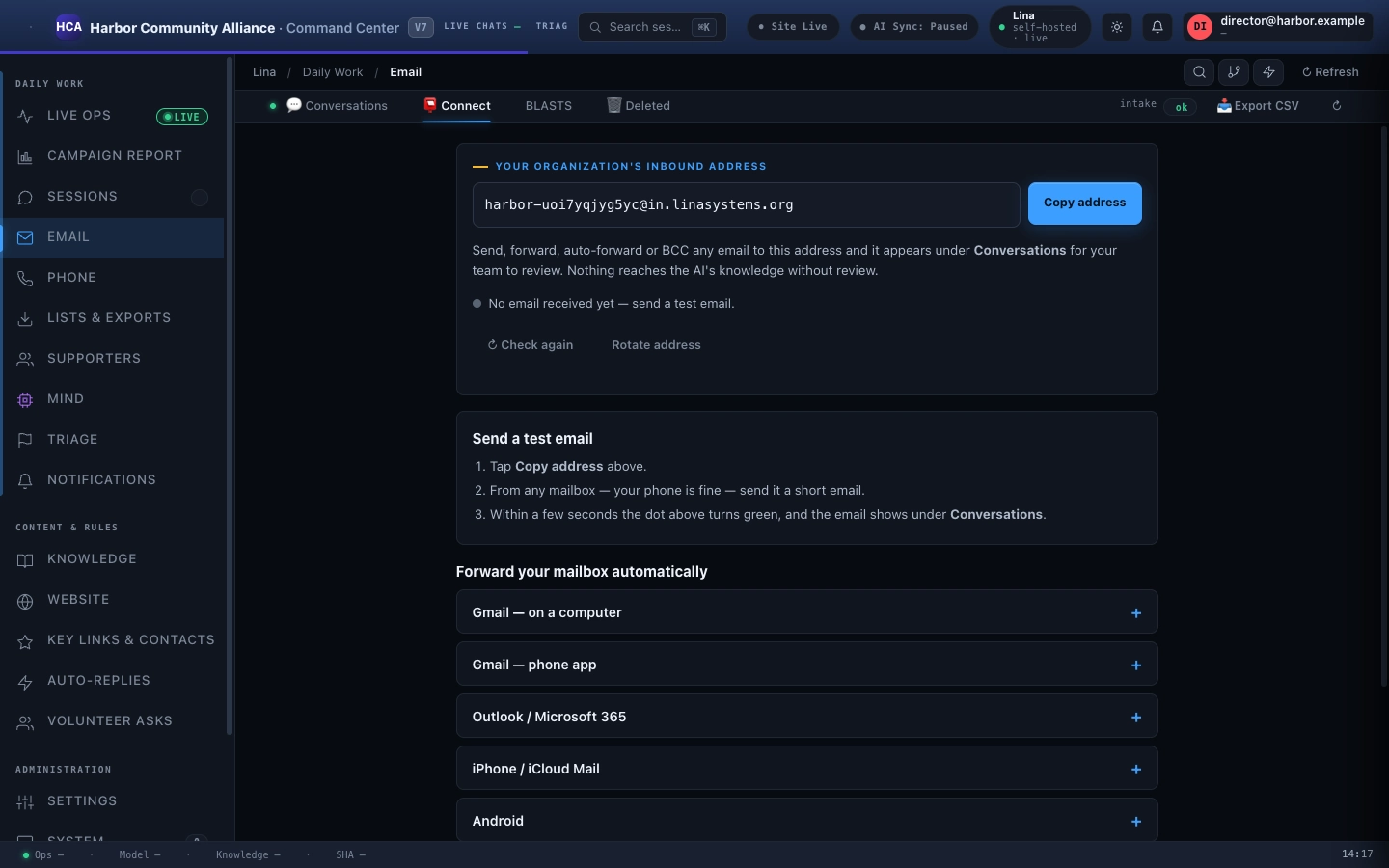
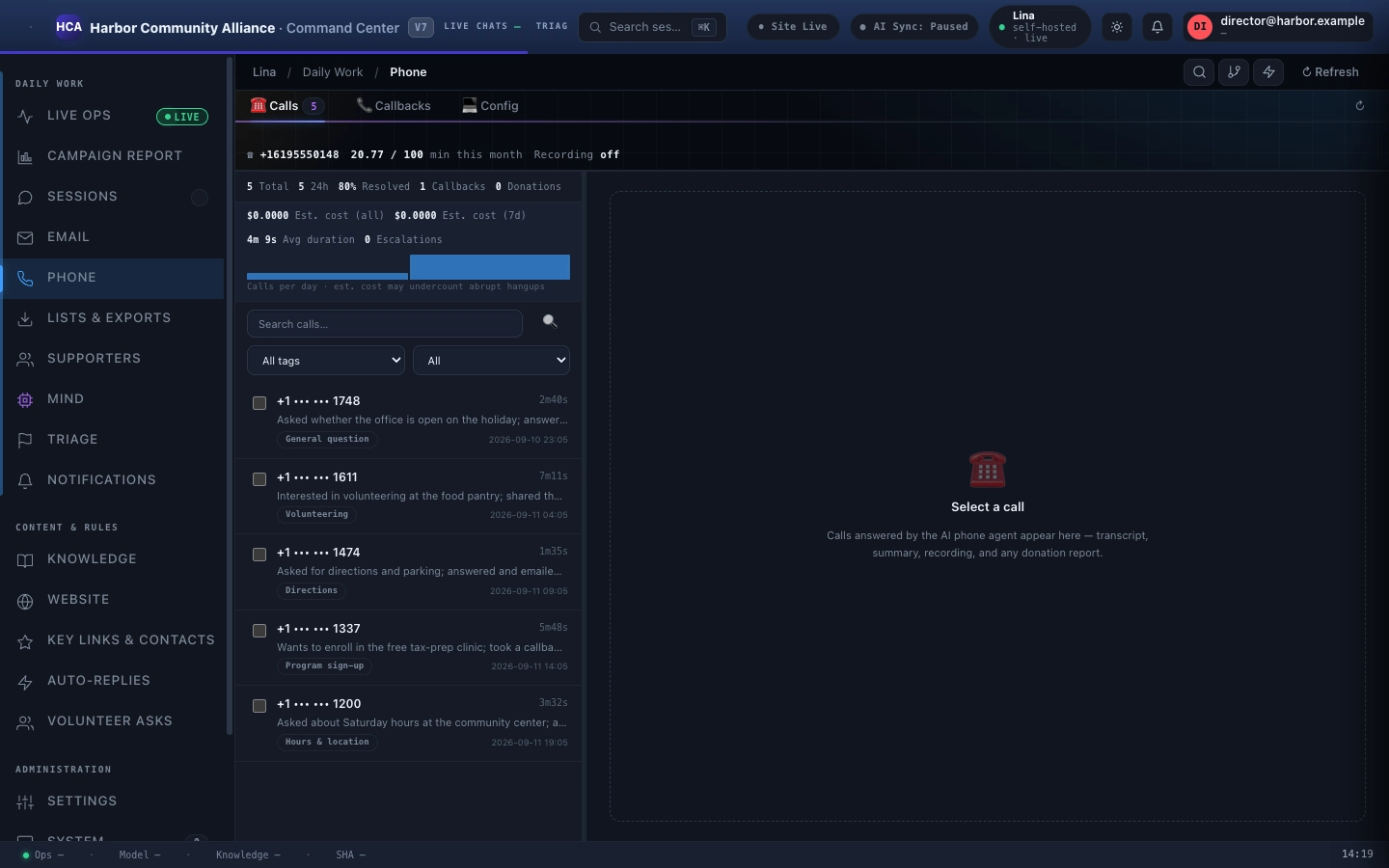
Every plan is built from these twelve modules. The first five match the main channels above and each has its own page with more detail; modules six through ten are covered inside the Command Center dashboard; modules eleven and twelve — Web Scraper (Site Sync) and Circle Intelligence — each have their own pages too. Every plan starts with the edition's core (Chatbot, Knowledge, Command Center, access roles, and Notifications); higher plans unlock more modules — the pricing page shows exactly which.
01
Public AI Chatbot
The first thing visitors meet: a web chat assistant with your branding that asks for a name, email, phone, and ZIP code before it starts answering, so an interested visitor never gets lost before reaching a real person. It answers using your knowledge base, hands off unclear or sensitive questions to your team, and in the Campaign edition handles the political questions too. It works in more than one language right out of the box, and it tells the truth if someone asks whether it's an AI.
Public AI Chatbot →
02
Knowledge Engine
A knowledge base that fixes its own mistakes, and every answer is based on it. Your team can correct any answer from the Command Center dashboard, and the fix shows up in the very next message on both chat and phone — no retraining, no developer, no waiting for a new release. Your written notes always win over outdated information, within the platform's fixed safety rules. The knowledge base re-reads your own website every day or every week, as you choose, staff email blasts can be added to it after a quick human check, and it tracks how facts relate to each other for more accurate answers.
Knowledge Engine →
03
AI Phone Agent
A real voice agent, built on Twilio and Google Gemini Live, that answers your phone line day and night, bases its answers on your knowledge base, and brings in staff — by transfer or by alert — on calls that are unclear or sensitive. Every call is written down as a transcript (recording is off unless you turn it on, and callers are told when it's on), and it uses the same hand-off system as chat, so a phone hand-off sends the same email and alert. Cost controls — a time limit with a spoken warning, plus a cap on how many calls run at once — keep every call's cost in check.
AI Phone Agent →
04
Staff Internal AI (MIND)
A writing assistant for your staff, with its own login and templates, that writes as if it were your organization's leader speaking directly — turning a rough note into a finished email, reply, or memo in minutes. It can write about any topic in any tone, but it still won't make facts up. It saves templates and recent drafts so the team can reuse them.
Staff Internal AI (MIND) →
05
Command Center + RBAC
The one dashboard that runs the whole platform, carrying your brand all the way down to the admin login screen. Three access levels, checked on the server every time — viewers can only look, editors can do everything except manage accounts and credentials, and admins have full control. Every sensitive action is permanently logged, login attempts can trigger alerts, and sessions use short-lived, secure cookies. A Dispatch board collects everything that needs your attention in one place: hand-offs, callbacks, and flagged interest.
Command Center + RBAC →
06
AI Website Editor
Change your live public homepage just by typing what you want in plain English. The AI makes precise edits on the server, and if something doesn't quite land, it automatically tries again to fix it, with a live preview so you can see the change first. Saves are protected, so a bad edit can always be rolled back to a clean version.
In the Command Center →
07
Email Ingestion
Gives your organization its own email forwarding address — forward or BCC mail to it from Gmail, Outlook, or a phone — then tells mass marketing emails apart from back-and-forth conversations, cleans up staff addresses, and automatically adds marketing emails to the knowledge base while real conversations go through a human check first before publishing. Anything marked internal or "do not touch" is kept out of the knowledge base entirely.
In the Command Center →
08
Smart Alerts
Notifications your team can subscribe to, sent by email and optionally by Telegram, with control over who gets them, quiet hours, and what triggers them. Alerts go out for hand-offs, logins, software updates, and knowledge or system-health events. Your team can also set up their own custom alerts without writing any code. Delivery never blocks a live request — if Telegram is down, nothing else breaks.
In the Command Center →
09
Unified CRM
One contact list that combines chat, phone, and email into a single record per person, automatically matched by email, then phone, then session, so no one shows up twice. You can export contacts to a spreadsheet with one click (donor and contact exports are restricted and logged), see when each person first and last showed up and how often, and permanently delete a person's personal information across every channel on request. Sensitive personal details are hidden by default in admin views. It connects with Circle Intelligence for a complete picture of each person.
In the Command Center →
10
Platform Core
The shared foundation that every plan includes: safety rules that can never be changed, crash-safe data saving, limits on request rates, and AI models we run for you (Google Gemini and OpenAI) — no AI account or key needed. Our own passwords and keys are kept in our hosting provider's encrypted settings and are never shown, logged, or returned by any API.
In the Command Center →
11
Web Scraper (Site Sync)
Reads your own website on a schedule you pick — every day or every week — and adds what it finds to the knowledge base, so the assistant answers from what you publish. Your own corrections and notes always win over what it read. It comes with every full plan, and you can also buy it on its own as the Web Scraper.
Web Scraper (Site Sync) →
12
Circle Intelligence
A background tracking layer that reads the intent and tone of every chat and phone exchange as it happens — without storing the actual message text, and without slowing anything down. These signals build up into richer Circle profiles, get grouped into lasting categories (highly interested, reaches you multiple ways, at risk of disengaging, repeat caller), feed into reporting on which channels work best, and power consistent A/B tests. The Dispatch board gathers everything that needs a human's attention into one place. Testing features are off by default.
Circle Intelligence →